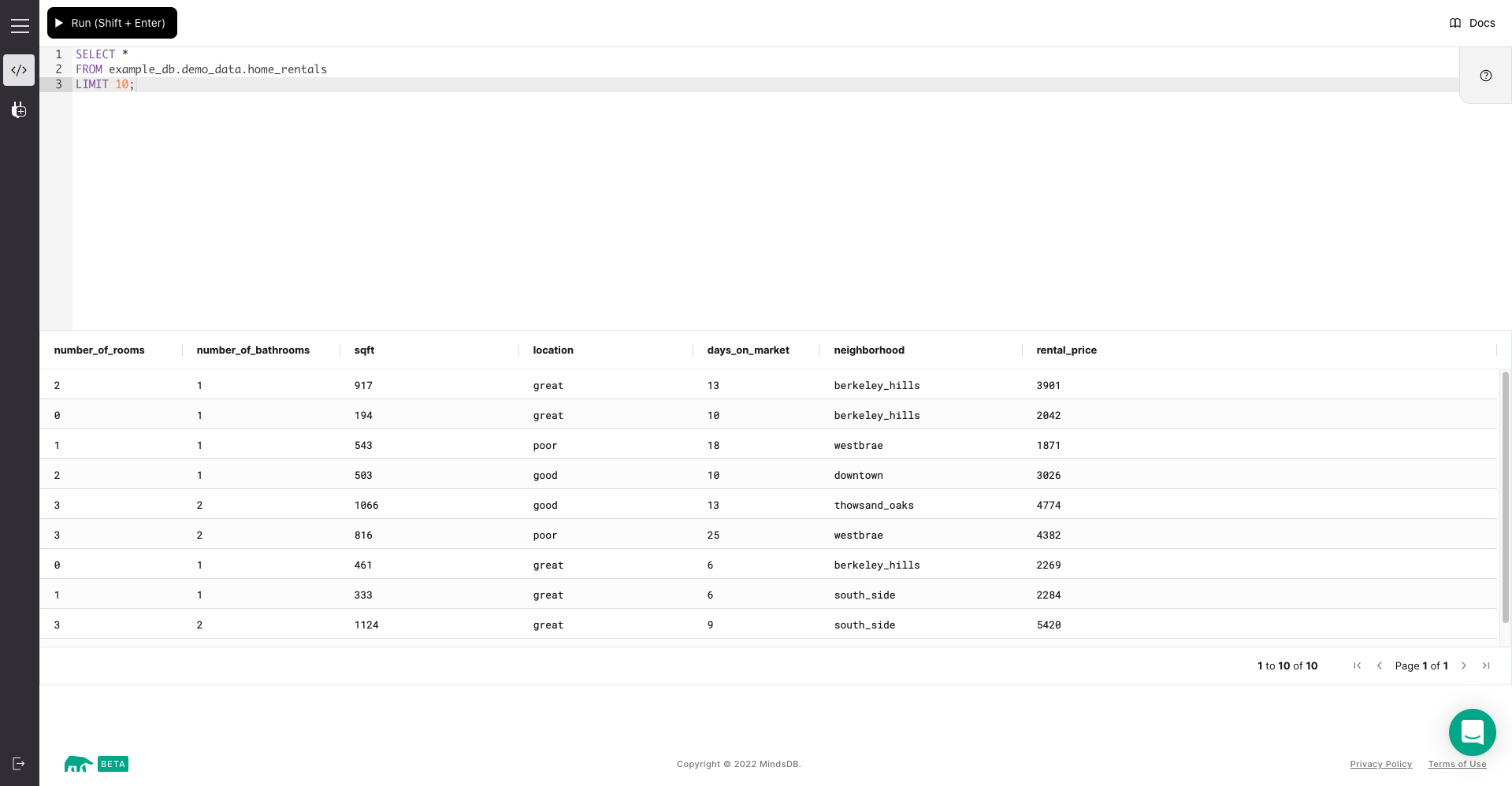
MindsDB provides a SQL Editor, so you don’t need to download additional SQL clients to connect to MindsDB.Documentation Index
Fetch the complete documentation index at: https://docs.mindsdb.com/llms.txt
Use this file to discover all available pages before exploring further.
How to Use the MindsDB SQL Editor
There are two ways you can use the Editor, as below.- Self-Hosted Local Deployment
After setting up the MindsDB using Docker, or pip
on
Linux/Windows/MacOS,
or pip via source code, go to your terminal and
execute the following:On execution, we get:Immediately after, your browser automatically opens the MindsDB SQL Editor. In
case if it doesn’t, visit the URL
http://127.0.0.1:47334/ in your browser of
preference.