Metabase is open-source software that facilitates data analysis. It lets you visualize your data easily and intuitively. Now that MindsDB supports the MySQL binary protocol, you can connect it to Metabase and see the forecasts by creating and training the models. For more information, visit Metabase.Documentation Index
Fetch the complete documentation index at: https://docs.mindsdb.com/llms.txt
Use this file to discover all available pages before exploring further.
Setup
MindsDB
Install MindsDB locally via Docker or Docker Desktop.Metabase
Now, let’s set up the Metabase by following one of the approaches presented on the Metabase Open Source Edition page. Here, we use the .jar approach for Metabase.How to Connect
Follow the steps below to connect your MindsDB to Metabase.- Open your Metabase and navigate to the Admin settings by clicking the cog in the bottom left corner.
- Once there, click on Databases in the top navigation bar.
- Click on Add database in the top right corner.
- Fill in the form using the following data:
- Local MindsDB
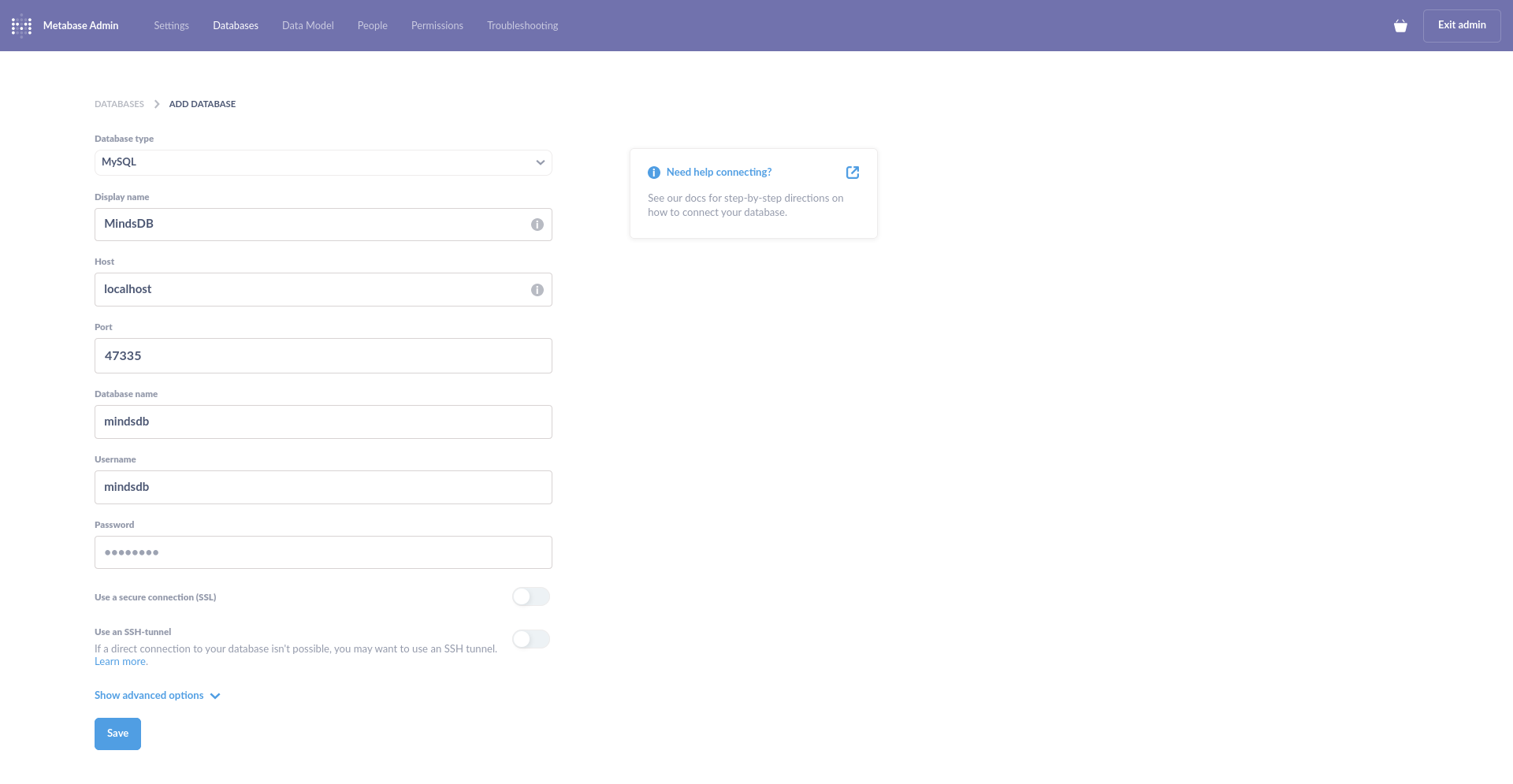
- Click on Save.
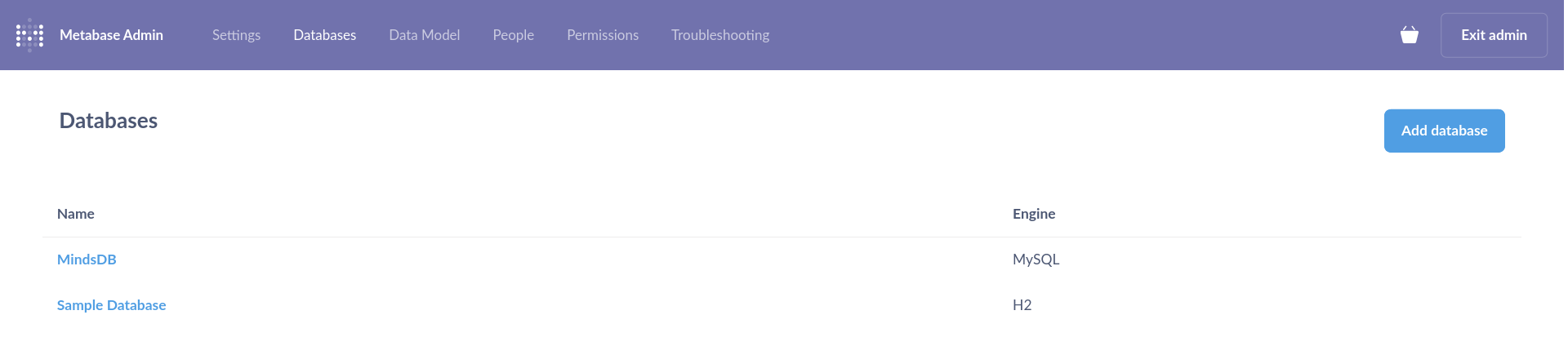
Example
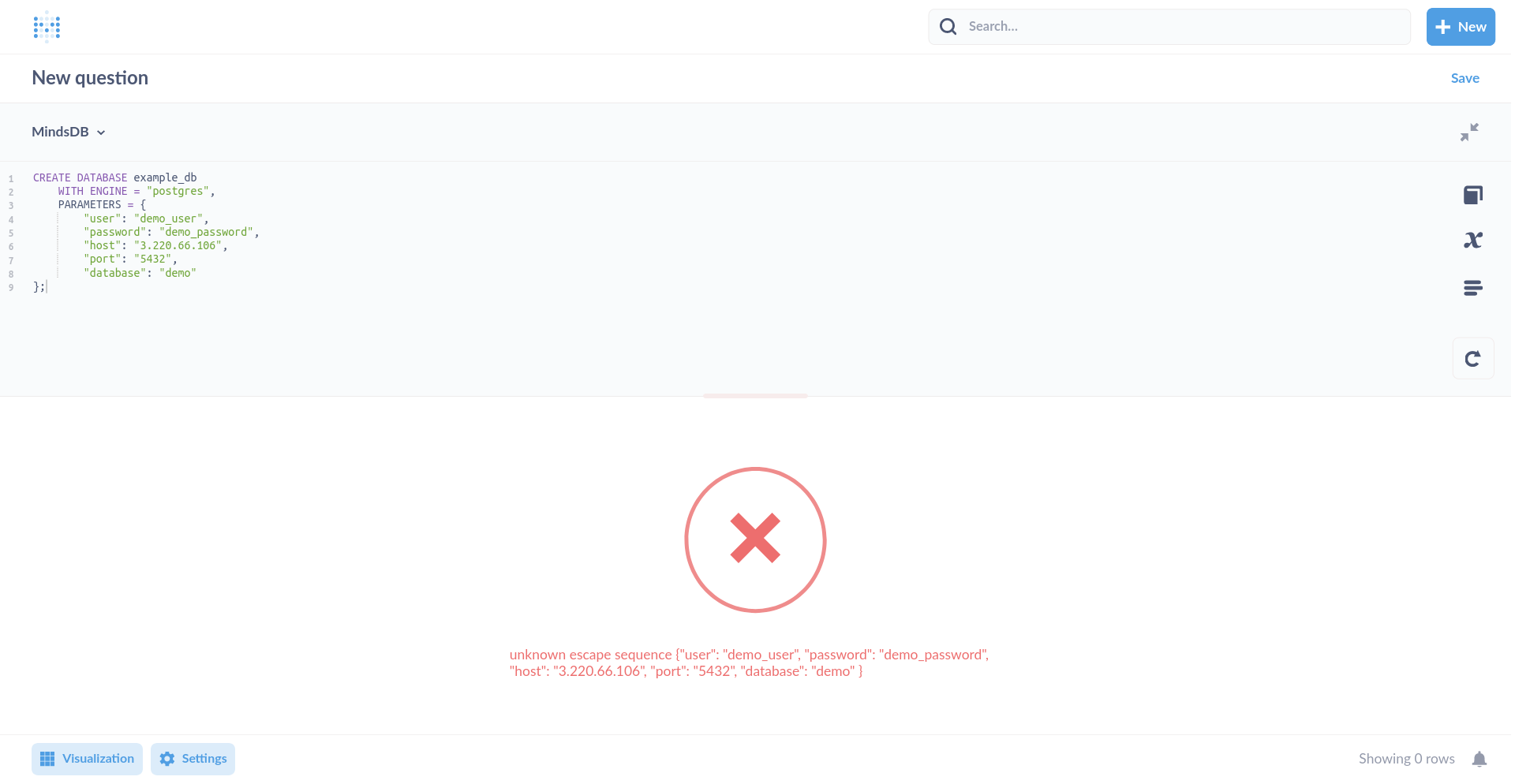
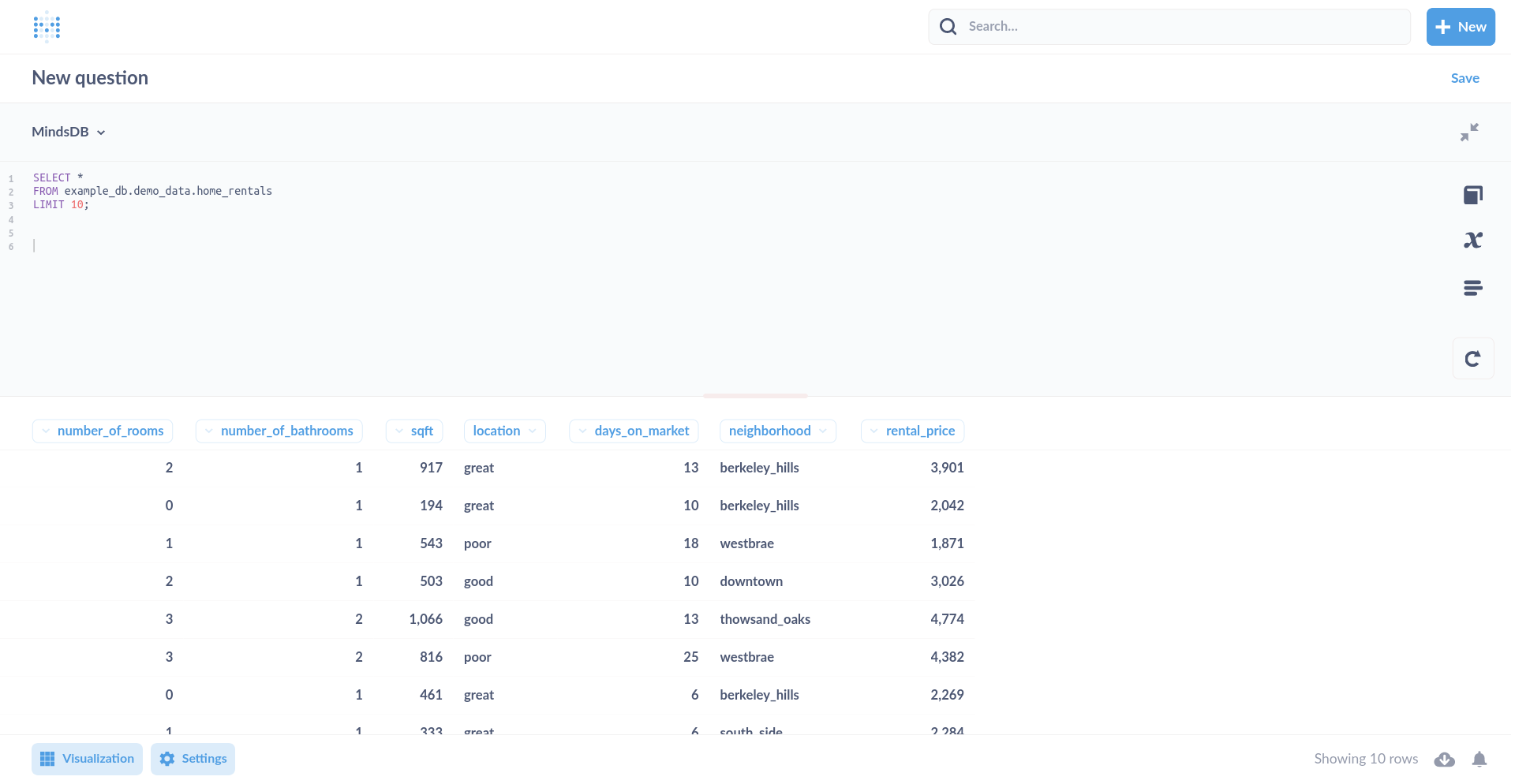
Now that the connection between MindsDB and Metabase is established, let’s do some examples. Most of the SQL statements that you usually run in your MindsDB SQL Editor can be run in Metabase as well. Let’s start with something easy. On your Metabase’s home page, click on New > SQL query in the top right corner and then, select your MindsDB database. Let’s execute the following command in the editor.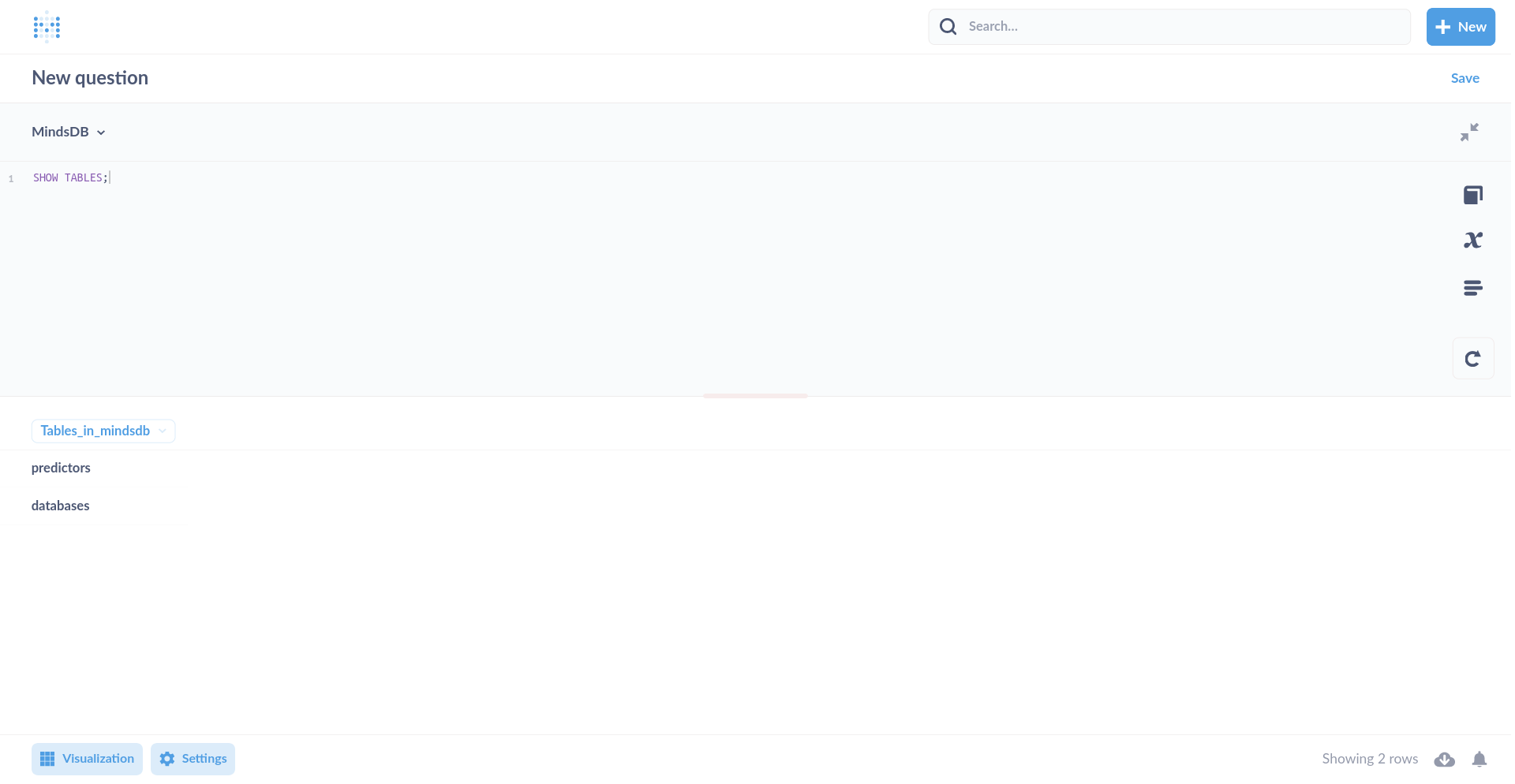
CREATE DATABASE statement fails because of the curly braces ({}) being
used by JDBC as the escape sequences.