DBeaver is a database tool that allows you to connect to and work with various database engines. You can download it here.Documentation Index
Fetch the complete documentation index at: https://docs.mindsdb.com/llms.txt
Use this file to discover all available pages before exploring further.
Data Setup
First, create a new database connection in DBeaver by clicking the icon, as shown below.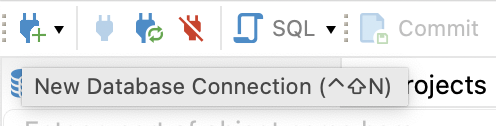
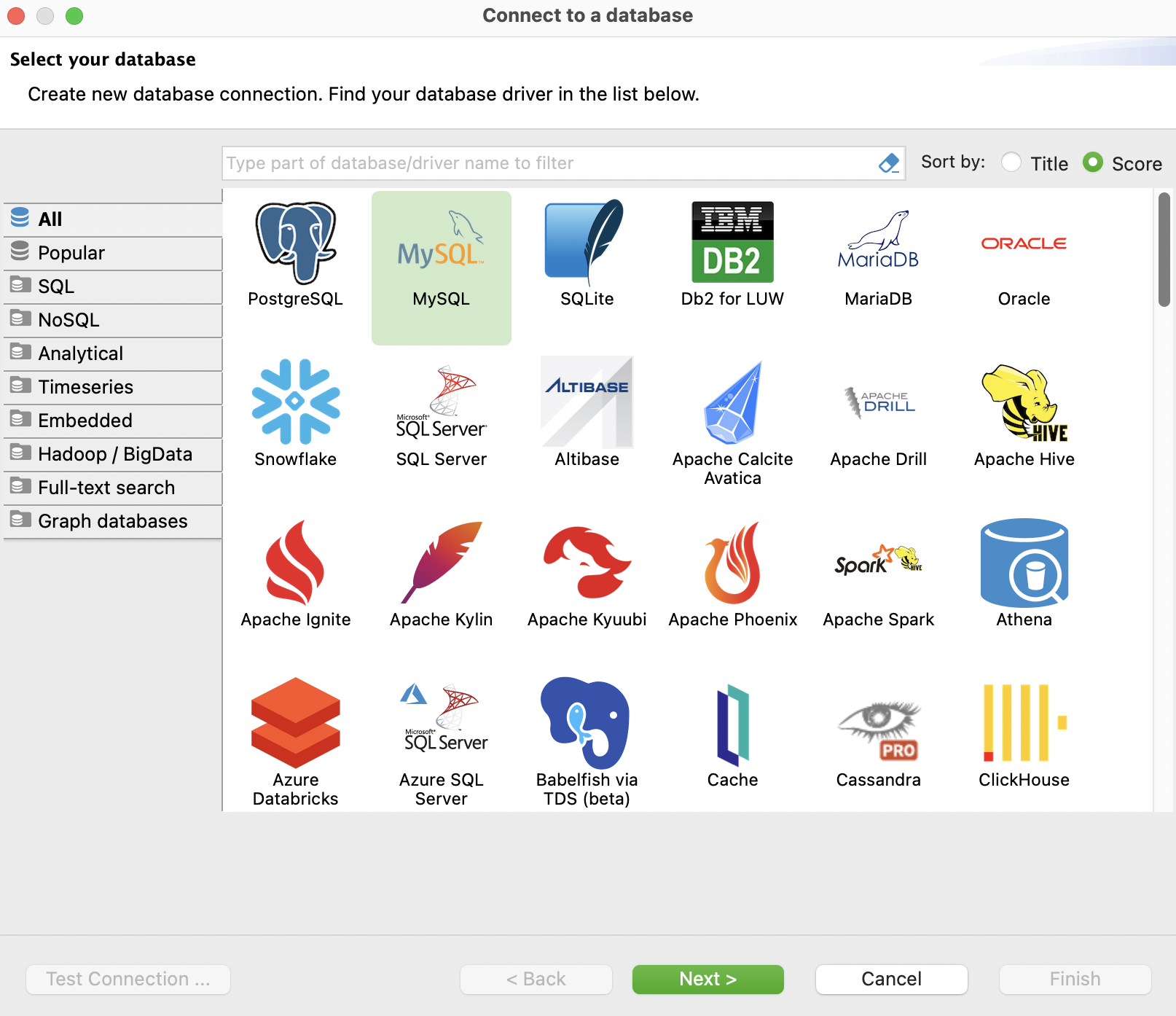
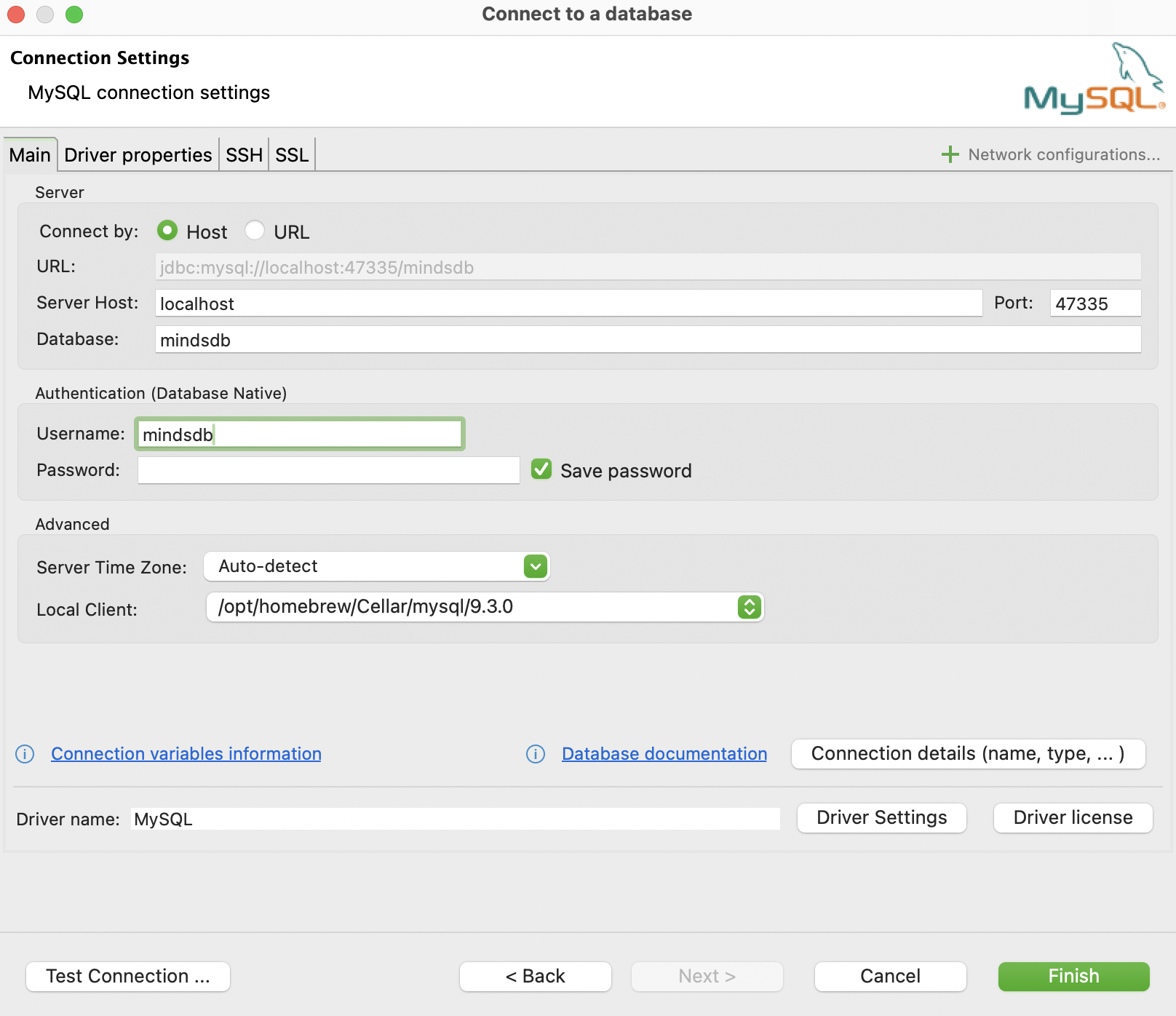
-
127.0.0.1orlocalhostfor the host name. If you run MindsDB in cloud, specify the host name accordingly. -
47335for the port, which is the port of the MySQL API exposed by MindsDB. Learn more about available APIs here. -
mindsdbfor the database name. -
mindsdbfor the user name, unless specified differently in theconfig.jsonfile. -
<empty>for the password, unless specified differently in theconfig.jsonfile.
Testing the Connection
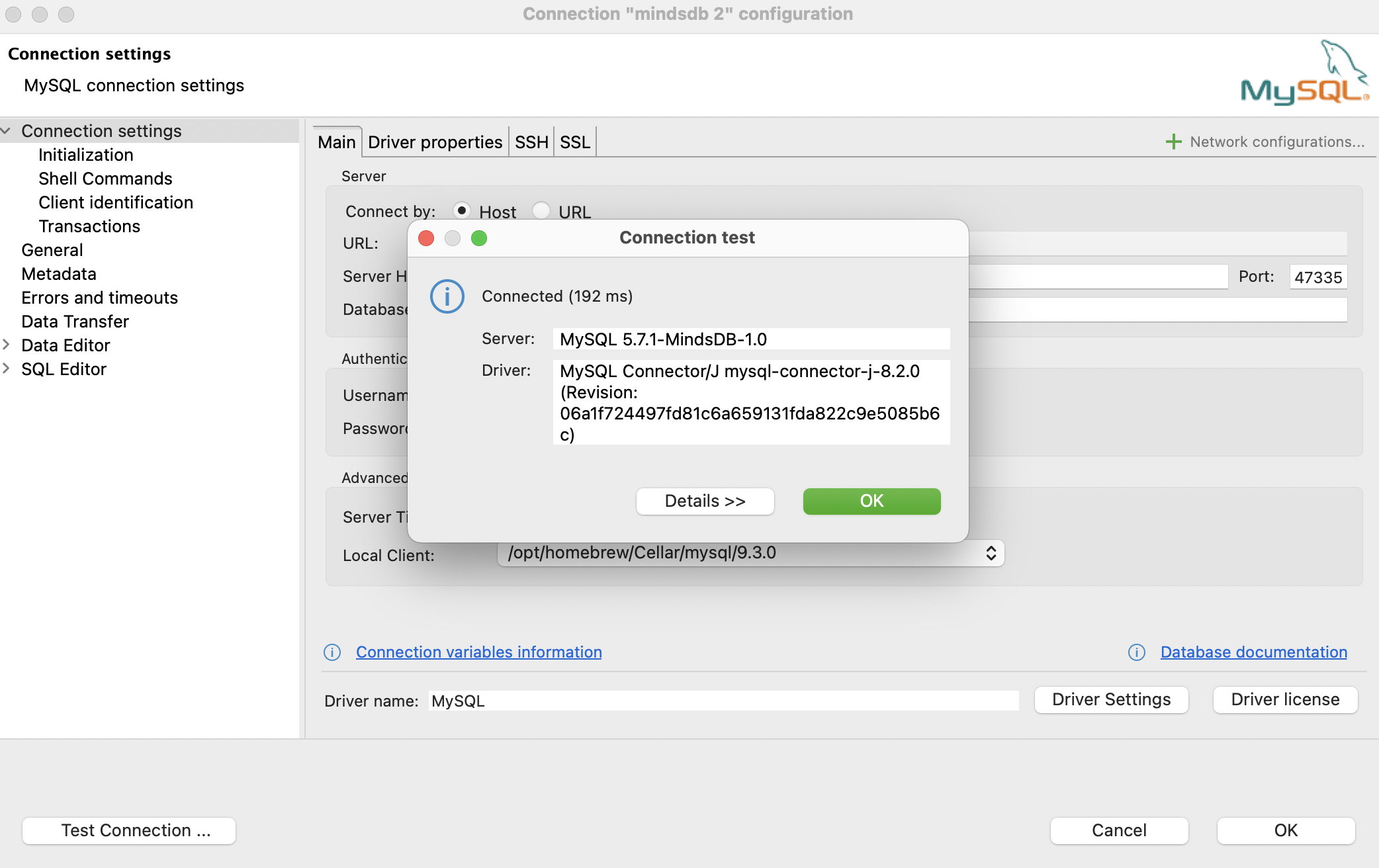
Click on theTest Connection... button to check if all the provided data allows you to connect to MindsDB.
On success, you should see the message, as below.
Let’s Run Some Queries
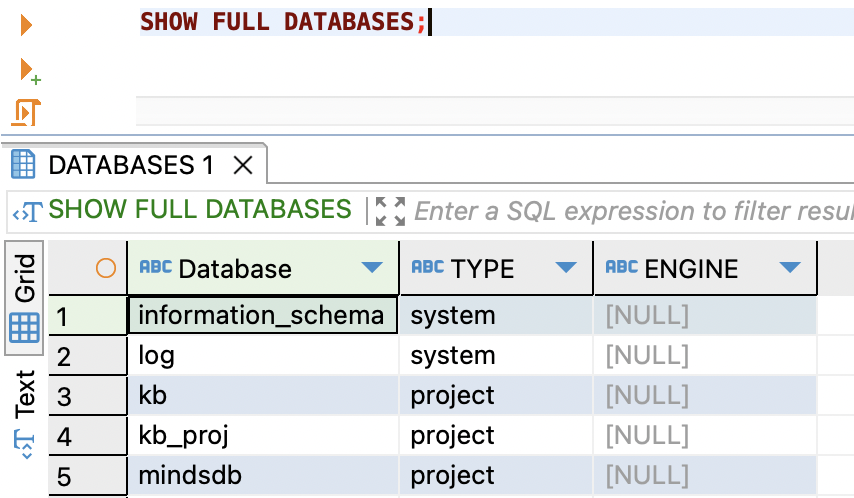
To finally make sure that our MindsDB database connection works, let’s run some queries.