Documentation Index
Fetch the complete documentation index at: https://docs.mindsdb.com/llms.txt
Use this file to discover all available pages before exploring further.
This section contains examples of usage of knowledge bases.
Sales Data
Here is the data that will be inserted into the knowledge base.
+----------+-------------------+------------------------+
| order_id | product           | notes                  |
+----------+-------------------+------------------------+
| A1B      | Wireless Mouse    | Request color: black   |
| 3XZ      | Bluetooth Speaker | Gift wrap requested    |
| Q7P      | Laptop Stand      | Prefer aluminum finish |
+----------+-------------------+------------------------+
CREATE DATABASE sample_data
WITH ENGINE = 'postgres',
PARAMETERS = {
    "user": "demo_user",
    "password": "demo_password",
    "host": "samples.mindsdb.com",
    "port": "5432",
    "database": "demo",
    "schema": "demo_data"
};

SELECT * FROM sample_data.orders;
CREATE KNOWLEDGE_BASE my_kb
USING
    embedding_model = {
        "provider": "openai",
        "model_name" : "text-embedding-3-large",
        "api_key": "sk-abc123"
    },
    reranking_model = {
        "provider": "openai",
        "model_name": "gpt-4o",
        "api_key": "sk-abc123"
    },
    metadata_columns = ['product'],
    content_columns = ['notes'],
    id_column = 'order_id';
INSERT INTO my_kb
SELECT order_id, product, notes
FROM sample_data.orders;
SELECT *
FROM my_kb
WHERE product = 'Wireless Mouse'
AND content = 'color'
AND relevance > 0.5;
Financial Data
You can access the sample data as below:
CREATE DATABASE sample_data
WITH ENGINE = 'postgres',
PARAMETERS = {
    "user": "demo_user",
    "password": "demo_password",
    "host": "samples.mindsdb.com",
    "port": "5432",
    "database": "demo",
    "schema": "demo_data"
};

SELECT * FROM sample_data.financial_headlines;
CREATE KNOWLEDGE_BASE my_kb
USING
    embedding_model = {
        "provider": "openai",
        "model_name" : "text-embedding-3-large",
        "api_key": "sk-xxx"
    },
    reranking_model = {
        "provider": "openai",
        "model_name": "gpt-4o",
        "api_key": "sk-xxx"
    },
    metadata_columns = ['sentiment_labelled'],
    content_columns = ['headline'];
INSERT INTO my_kb
SELECT *
FROM sample_data.financial_headlines
USING
    batch_size = 500,
    threads = 10;
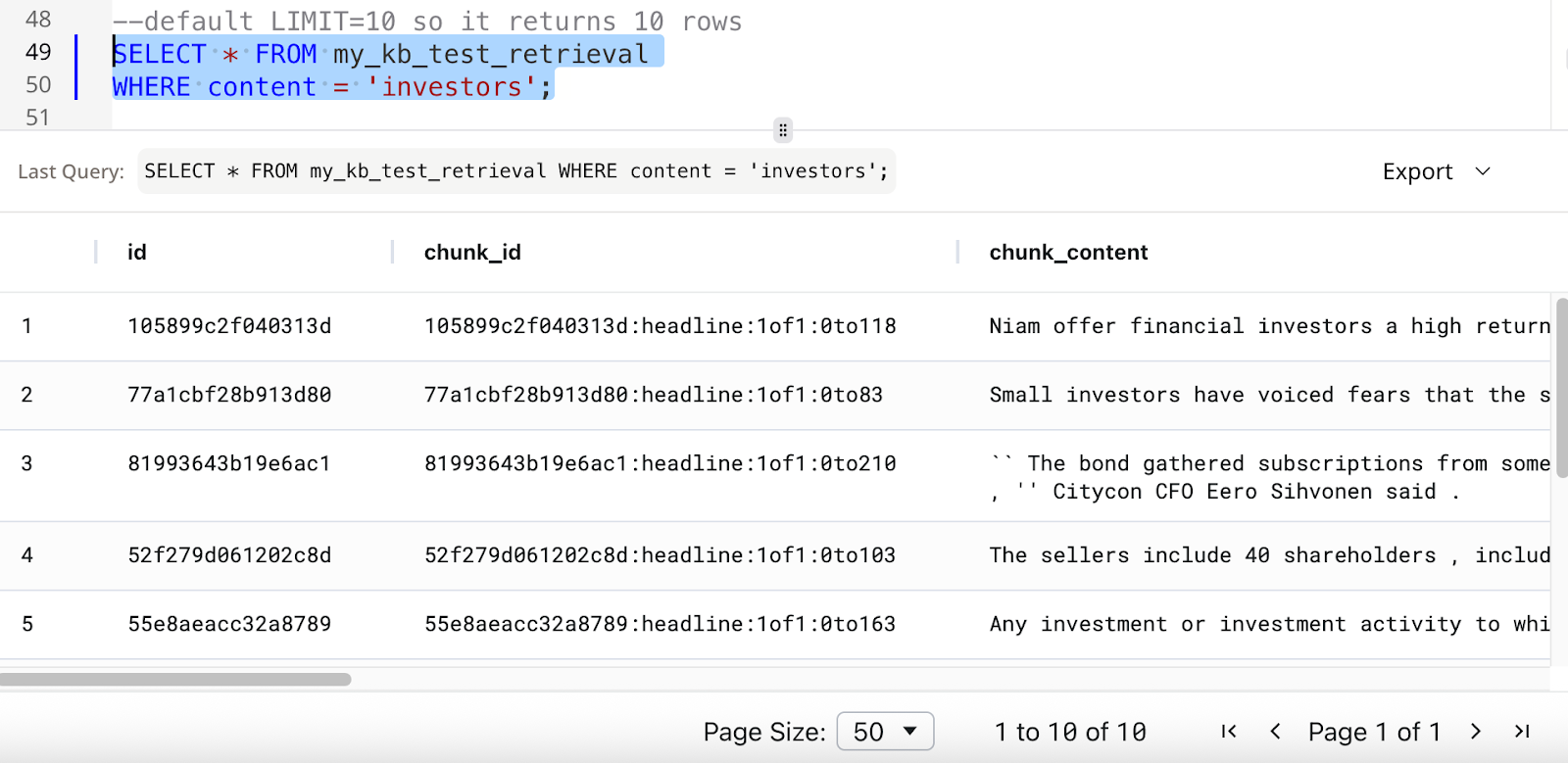
- Query without defined
LIMIT
SELECT *
FROM my_kb
WHERE content = 'investors';
LIMIT is set to 10.
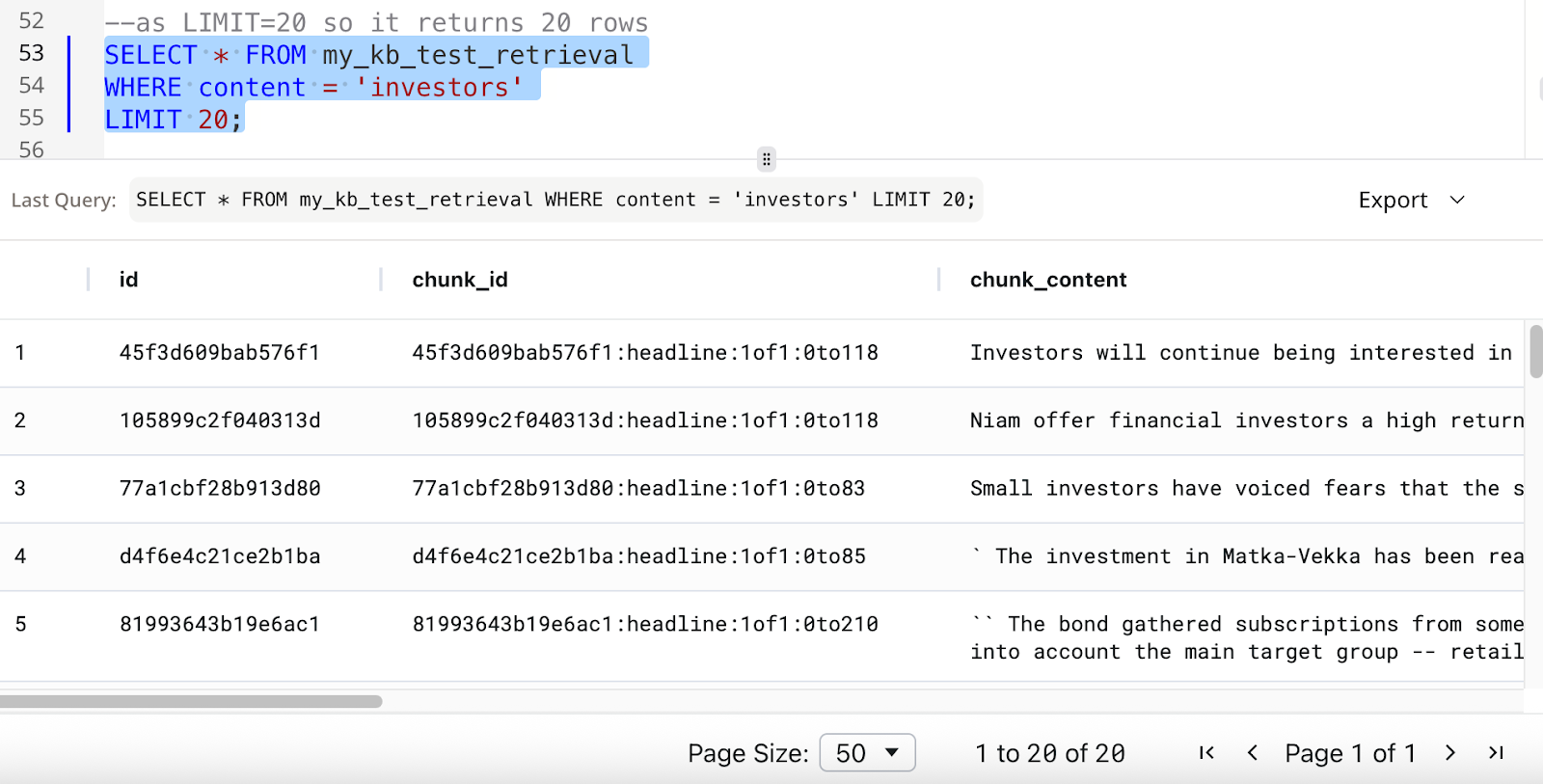
SELECT *
FROM my_kb
WHERE content = 'investors'
LIMIT 20;
LIMIT is set to 20.
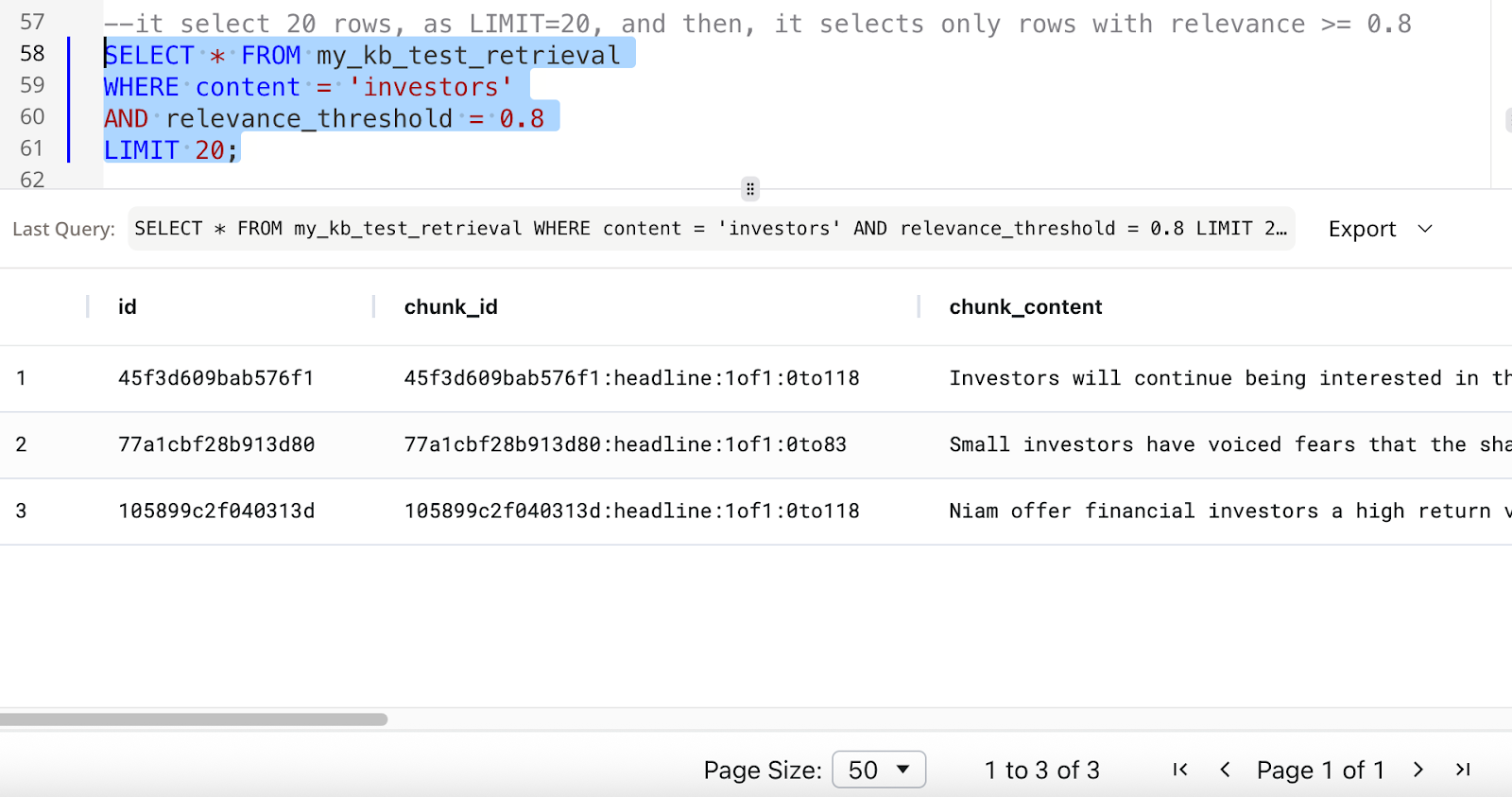
- Query with defined
LIMIT and relevance
SELECT *
FROM my_kb
WHERE content = 'investors'
AND relevance >= 0.8
LIMIT 20;